
Performance-focused hosting
SSD-backed storage and dedicated plan resources help worlds load quickly and keep server activity responsive.
Down Side Hosting gives you a dedicated place to run your game world without leaving your own computer online. Order a plan, manage the server through an easy web panel, and reach real people when you need help choosing resources or working through setup.
Use the browser-based panel to handle common server tasks without needing direct access to the physical machine.
SSD-backed storage and dedicated plan resources help worlds load quickly and keep server activity responsive.
View server output, run commands, and watch startup or error messages directly from the control panel.
Edit configuration files in the browser or connect through SFTP for larger uploads and more advanced changes.
Create restore points before updates, mod changes, world edits, or other major server maintenance.
Set recurring restarts, commands, or backup routines where supported to reduce repetitive maintenance.
Add trusted staff or administrators as subusers and control which server actions they are allowed to use.
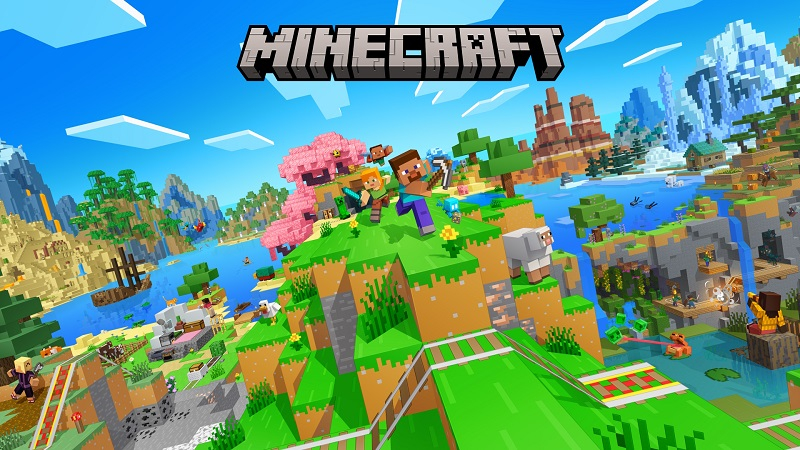
Java or Bedrock hosting for private worlds, modpacks, minigames, and growing communities.
Minecraft Hosting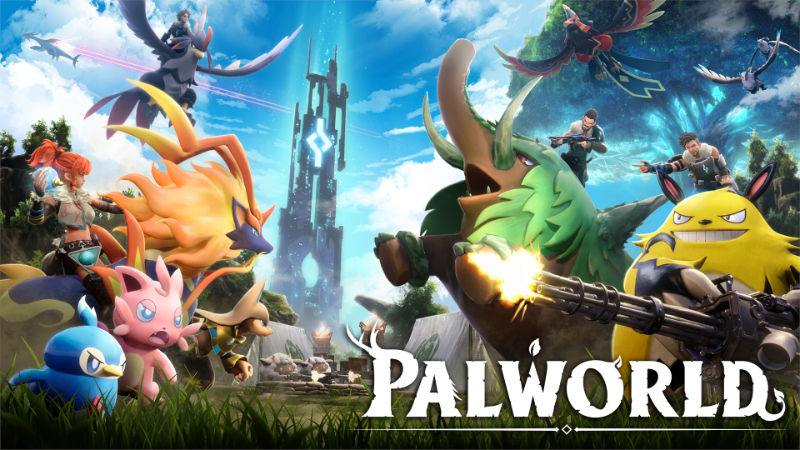
Keep a persistent world available for your group with manageable settings and backup access.
Palworld Hosting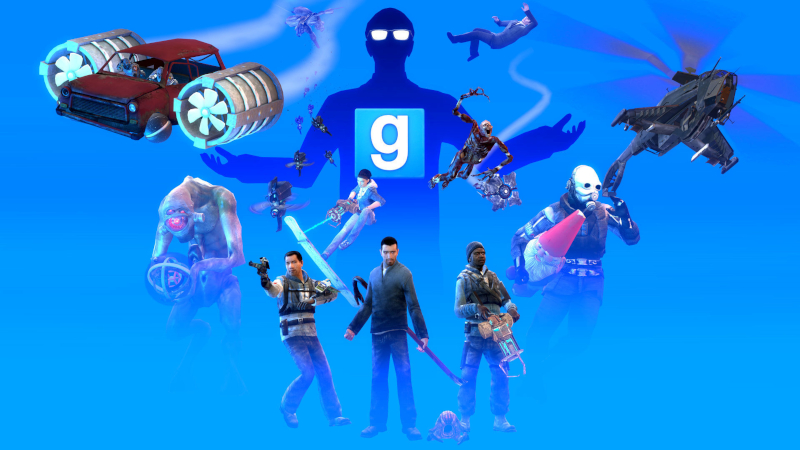
Host sandbox, DarkRP, TTT, or another community gamemode with addon and configuration control.
GMod Hosting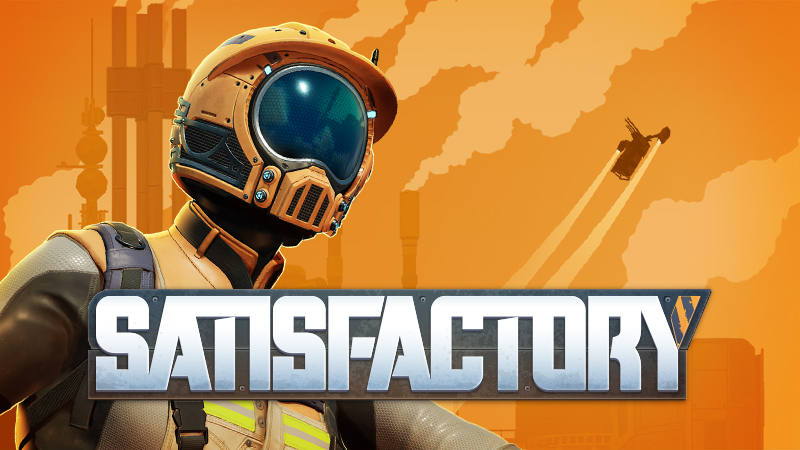
Run a shared factory that stays online while players join, build, automate, and expand.
Satisfactory HostingThe panel puts the most common server controls in one place. You can still use advanced tools when needed, but routine work stays approachable.
We can help narrow down the game, player count, memory, mod requirements, and other options before you order.